Features
Everything MyBrowser can do
A free, light, Arc-style browser — here is the full tour.
01Switching
Move in in one step.
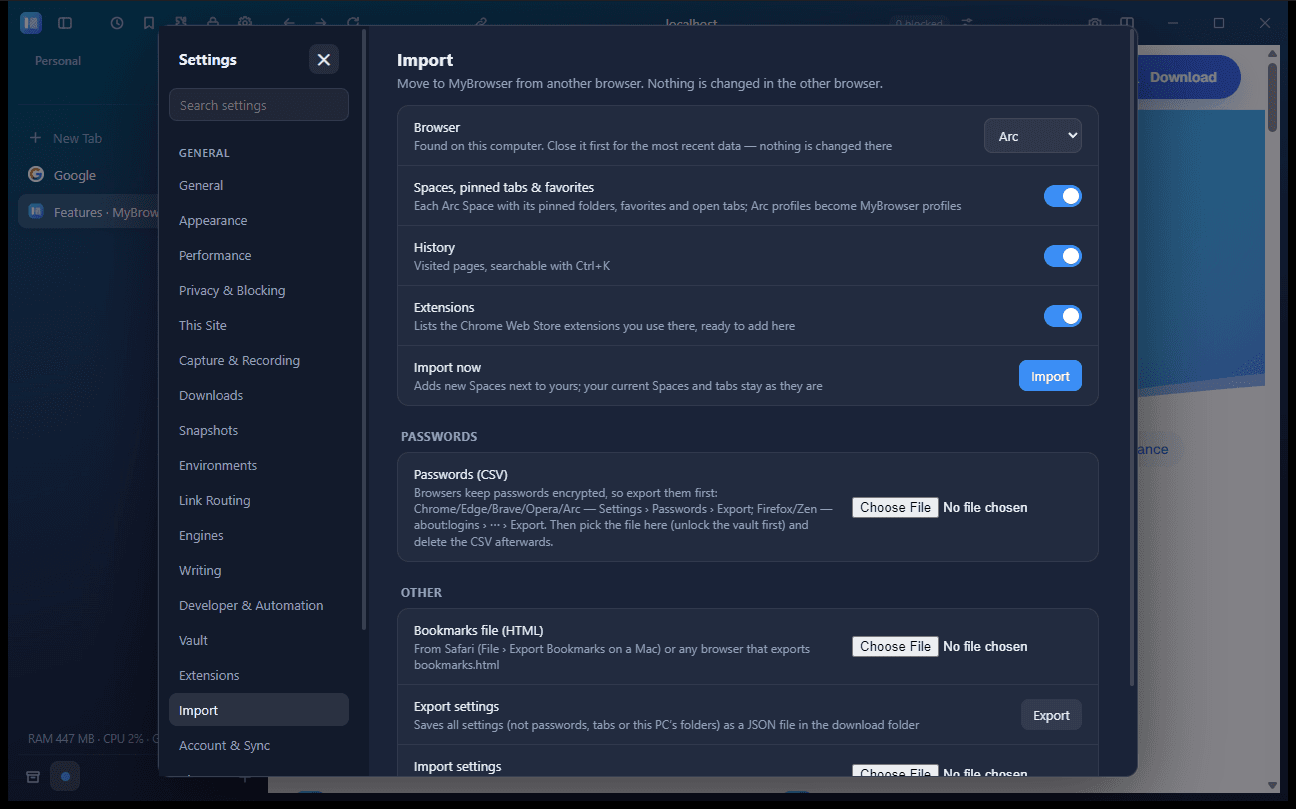
Settings › Import brings everything over from Arc, Zen, Chrome, Edge, Brave, Opera, Vivaldi and Firefox.
Arc Spaces
With their pinned folders, favorites and open tabs; Arc profiles become profiles.
Zen workspaces
With pins, and Essentials as favorites.
Bookmarks & history
Bookmarks from every browser go into Bookmarks; history comes along too.
Extensions list
A list of your Chrome Web Store extensions to add again.
Passwords
Through the other browser's CSV export.
Hands off
Nothing is changed in the other browser.
- Arc
- Zen
- Chrome
- Edge
- Brave
- Opera
- Vivaldi
- Firefox
Nothing is changed in the other browser.
02Tabs & Spaces
Organise by context.
Pinned tabs & folders
Pinned tabs live in a Space's sidebar, in folders up to seven levels deep.
Favorites
The icon grid at the top of each Space.
Bookmarks
Saved links in folders in the Bookmarks panel — Ctrl+K › Bookmark This Page.
Spaces
Own colour, icon, cookies and profile, proxy and secure DNS — plus own favorites and settings.
Pick up where you left off
Reopens on the same monitor, position and size, and reloads the tabs from the last 10 minutes.
Tab tools
Rename or duplicate tabs, site icons, tab audio and a compact mode.
Little window
Open a quick link in a small window instead of a full tab.
Per-Space data
Manage the data each Space keeps, separately from the others.
Work
- Roadmap — Docs
- Inbox
- Design review
- Sprint board
- Cookies
- Own profile
- Secure DNS
- Cloudflare
03Engines
Light by default. Chrome when needed.
A lightweight built-in engine by default. Add Chromium only if you need it — and choose per site.
Built-in engine
Lightweight and the default — built for low RAM.
Chromium on demand
Downloaded on first use (about 167 MB), removable in Settings › Engines.
Per-site rules
Send a site such as docs.google.com to Chromium, or open any page in the other engine.
Login carried over
Your cookies move with the site, so you stay signed in.
Minimal mode
Trims what Chromium keeps running — see Performance below.
Login carried over from the built-in engine
8 sites, our test1,082 MB
04Privacy & security
Private by default, per Space.
Ad and tracker blocking
Built in and on by default.
Clean links
Tracking parameters are stripped from links.
DNS over HTTPS
Globally or per Space: Cloudflare, Google, Quad9, AdGuard or custom.
Per-Space cookies
Each Space keeps its own cookies and profile.
Password vault
Save logins and have them filled in for you.
Clean links
example.com/article
Tracking parameters are removed from a link, leaving only example.com/article.
Ads & trackers
Blocked out of the box
DNS over HTTPS
Per Space, your resolver
- Cloudflare
- Quad9
- AdGuard
- Custom
05Productivity
Tools for people who live in their browser.
Peek
Preview links in an overlay; New Tab opens as a Peek too.
Split view
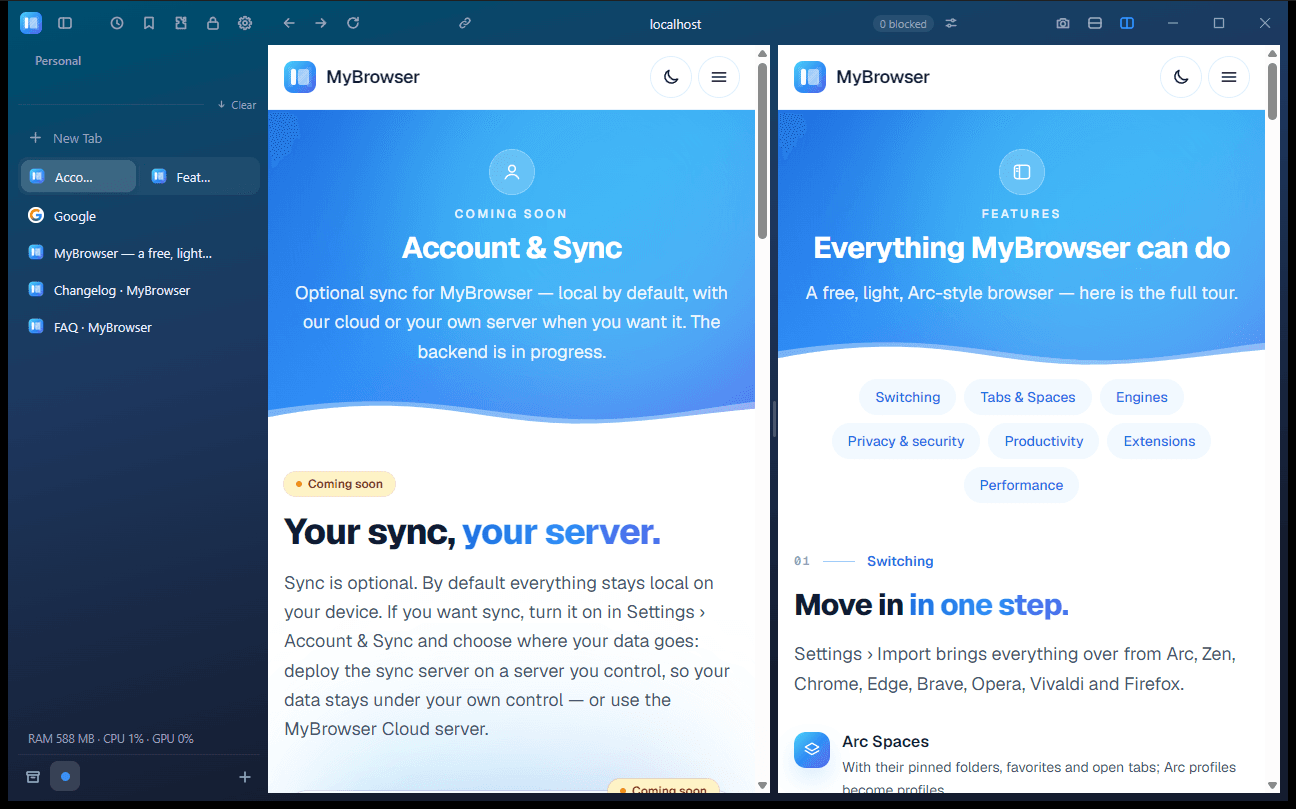
Two pages side by side, resizable, in either orientation.
Command palette
Ctrl/Cmd+K for tabs, history and commands.
Capture & recording
Annotated screenshots and tab recording.
Offline pages
Save pages to read without a connection.
Spelling & grammar
Spellcheck plus grammar checking.
06Extensions
Your Chrome extensions.
Chrome Web Store
Install extensions straight from the store.
Popups & side panels
Open them from the extensions menu.
Full Chrome extensions
Spaces on the Chromium engine run them fully.
On macOS
Needs macOS 15.4+; MyBrowser explains which ones cannot fully run there.
Tested extensions include
- uBlock Origin Lite
- Dark Reader
- Bitwarden
- 1Password
- Vimium
- SponsorBlock
- Tampermonkey
About 20 popular extensions tested in total.
07Performance
Light on memory.
Chromium Minimal mode trims what the Chromium engine keeps running. Here is what it did in our own test.
Live resource meter
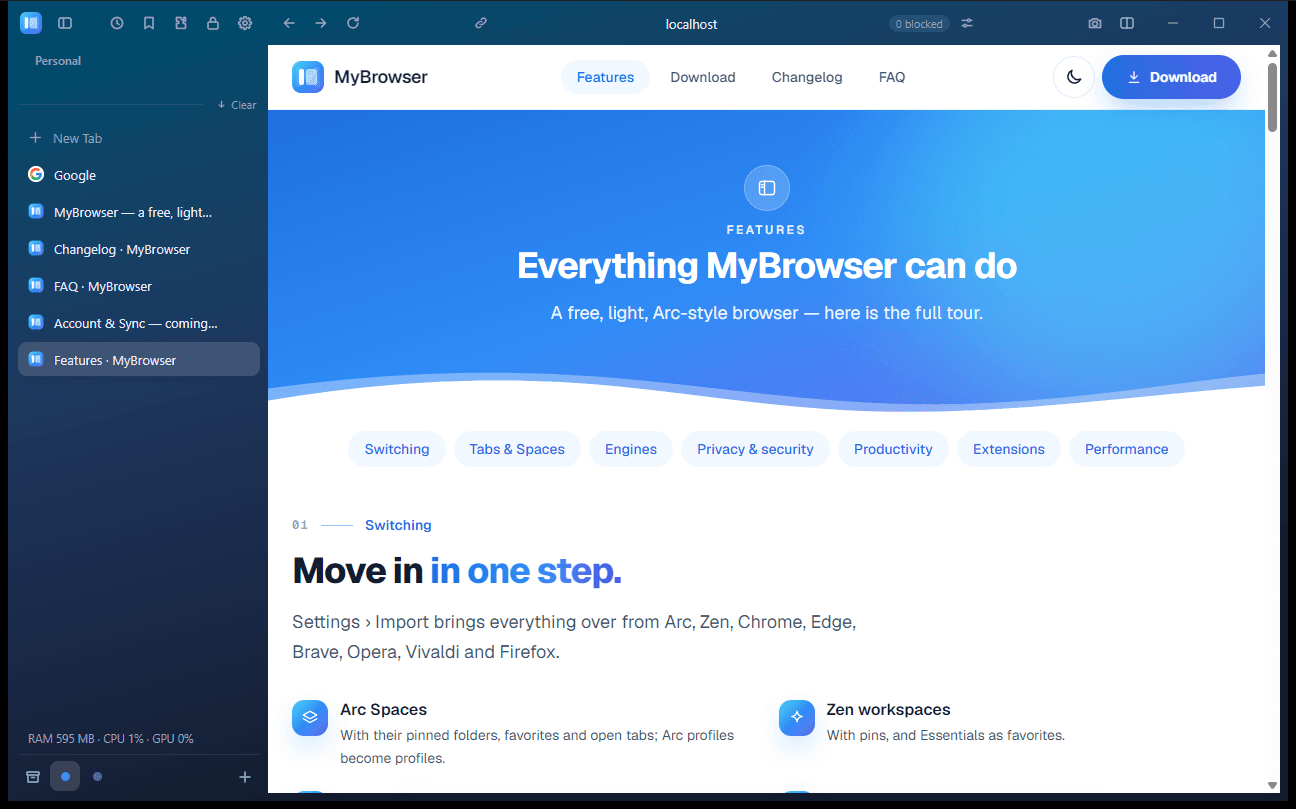
RAM, CPU and GPU, right in the sidebar.
Suggestions
Tips to lighten the browser when it gets heavy.
Sleeping tabs
Hidden tabs are put to sleep to free resources.
−44%
less memory across 8 sites
(863 MB less)
- Chromium engine, standard
- 1,945 MB
- Chromium engine, Minimal mode
- 1,082 MB
Free, and light enough to try today.
WindowsmacOSLinuxFree · ~9 MB · no admin rights
Coming soonAndroidiPhoneiPadand more platforms later