04Split view
Two pages, one window.
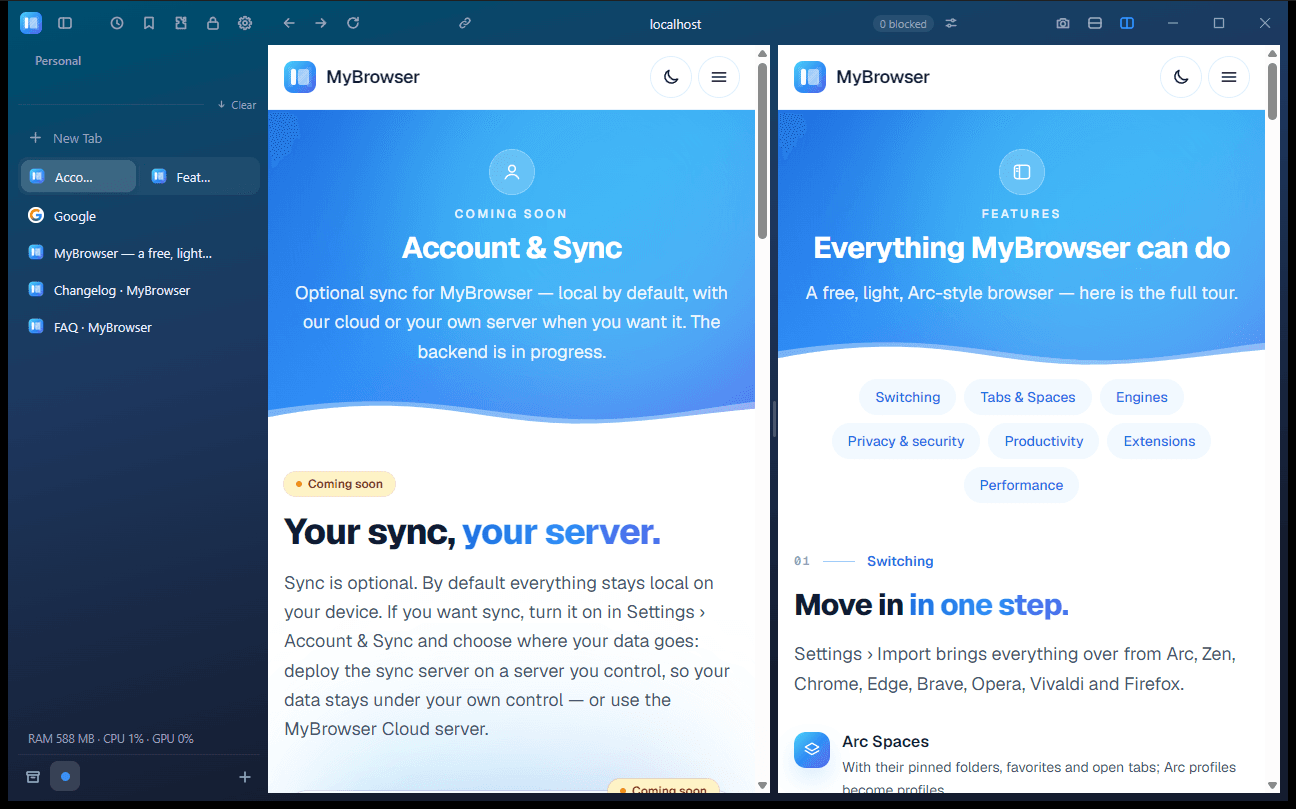
Docs next to a ticket, a video next to notes. Drag the divider to resize, or stack them the other way.
Free~9 MB installer · no admin rights
A light, Arc-style browser with Spaces, split view and Peek — on a lightweight built-in engine, with Chromium on hand when a site needs it.
Free for everyone · Windows available now · macOS & Linux builds
02Switching
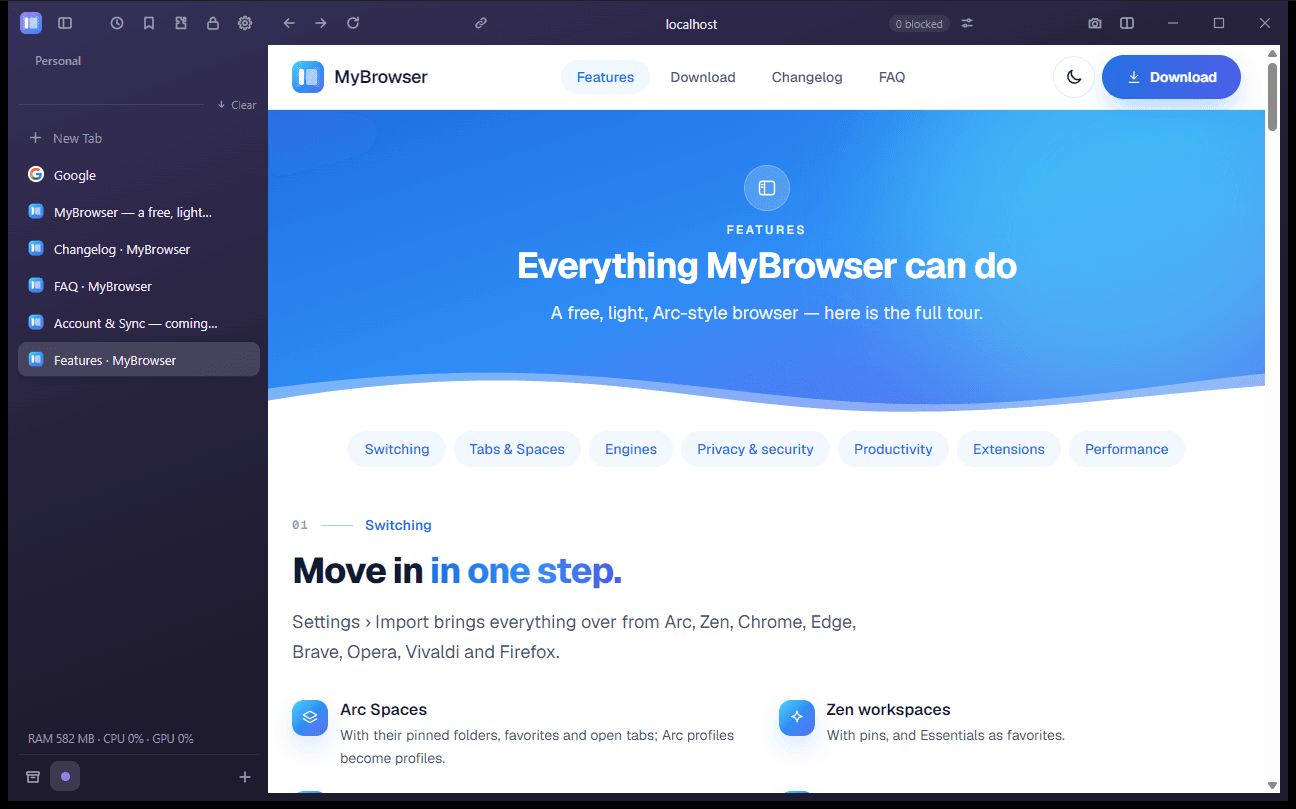
Bring your Spaces, pinned folders, favorites, open tabs, bookmarks and history from Arc, Zen, Chrome, Edge, Brave, Opera, Vivaldi or Firefox — all from Settings › Import.
Nothing is changed in the other browser, so you can switch today and look back any time.
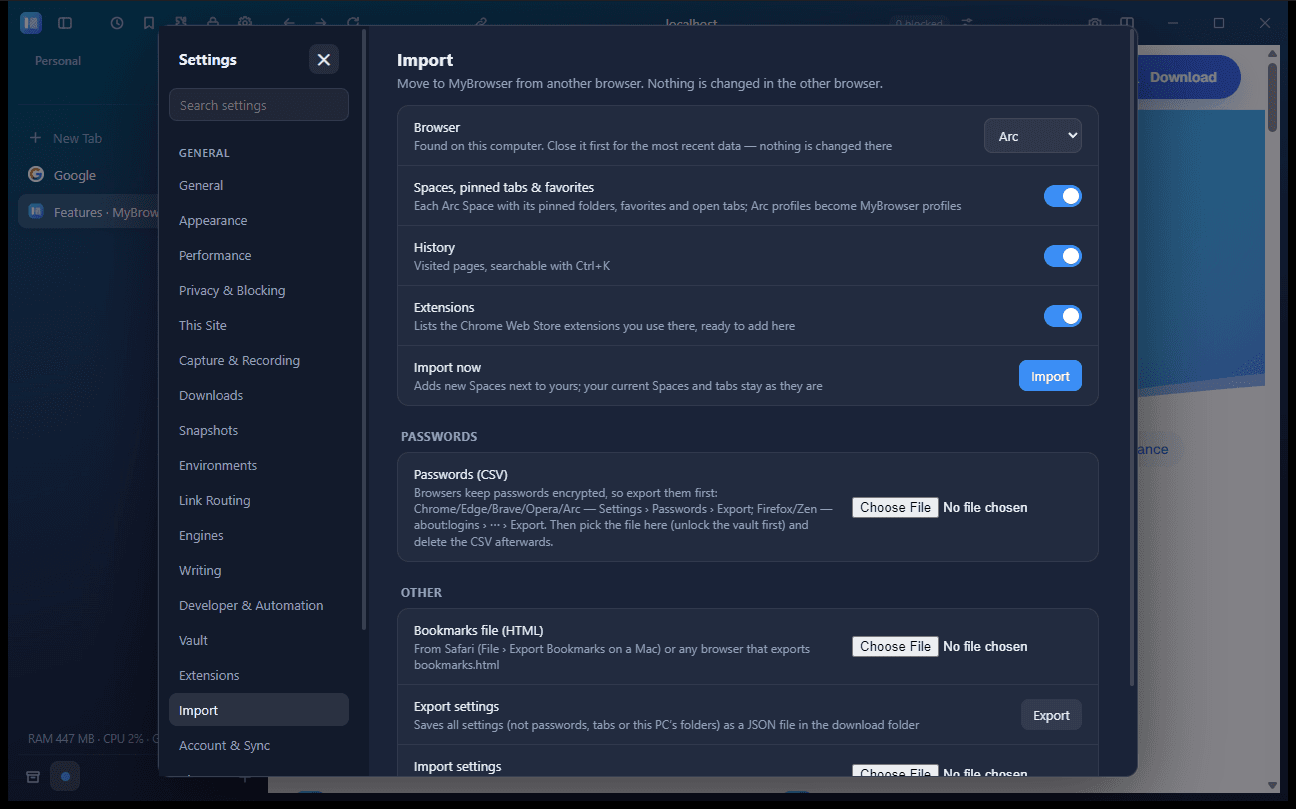
Nothing is changed in the other browser.
03Spaces
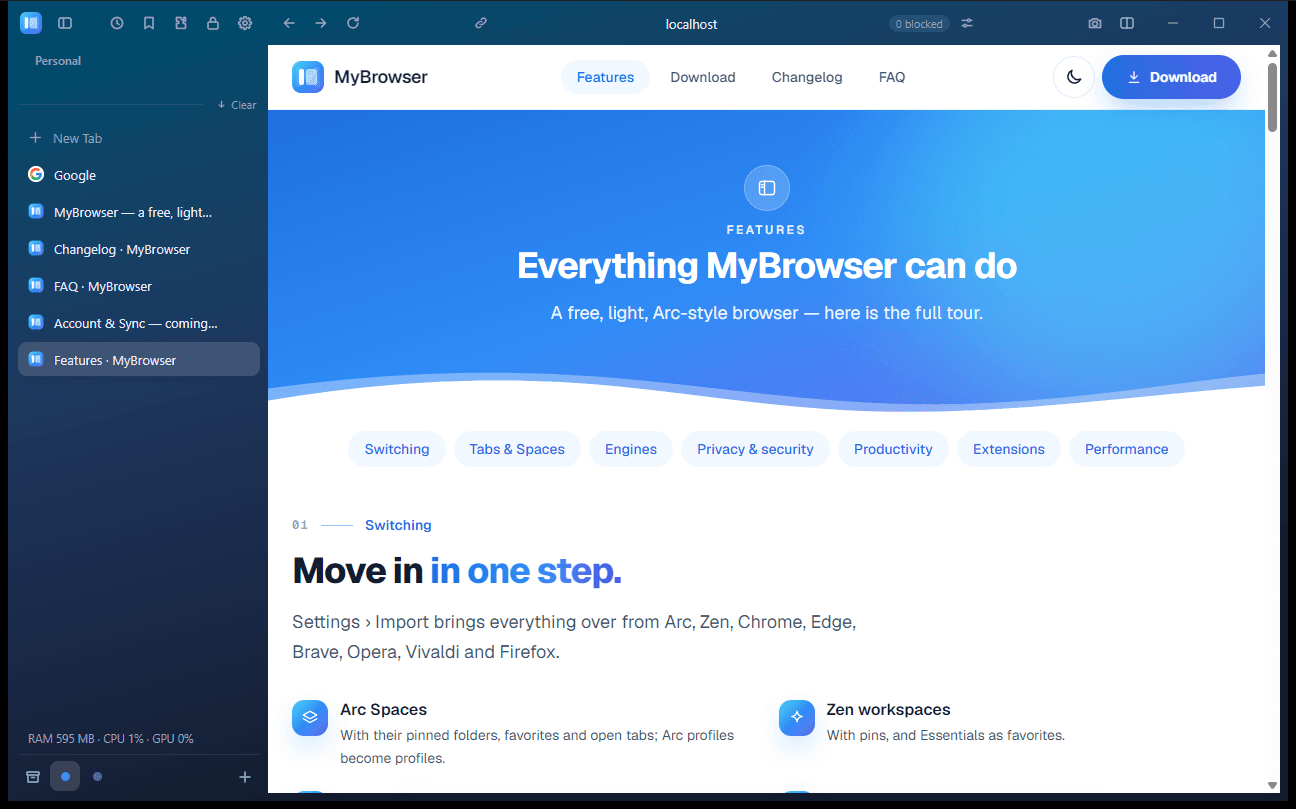
Work, personal, study — each Space has its own colour, icon, cookies, proxy and secure DNS. Switch, and the whole sidebar follows.
Work
04Split view
Docs next to a ticket, a video next to notes. Drag the divider to resize, or stack them the other way.
05Command palette
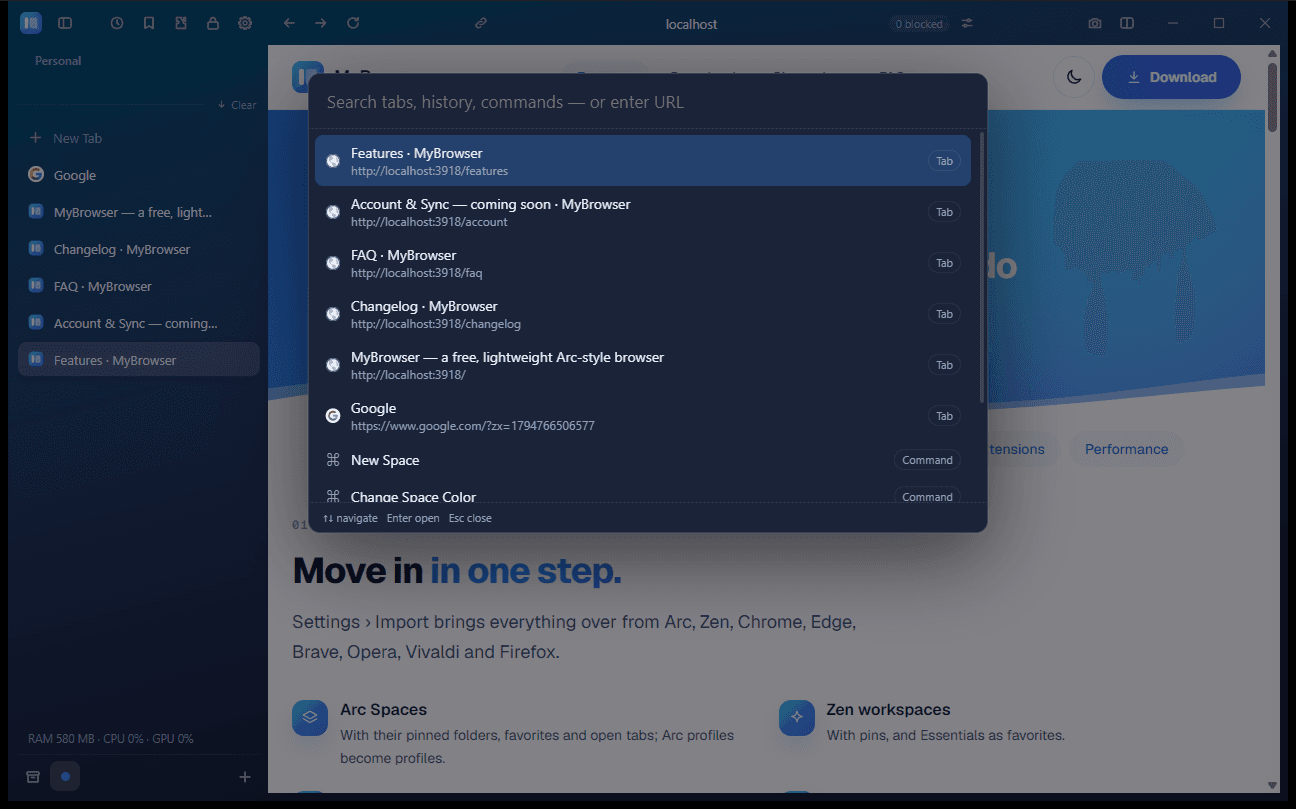
Ctrl/Cmd+K finds open tabs, history and commands — new Space, change its colour, Bookmark This Page and more.
06Two engines
The lightweight built-in engine keeps things light. Chromium is there for the sites that need Chrome — set a rule per site and your login comes along.
Login carried over from the built-in engine
8 sites, our test1,082 MB
07Privacy
Ads and trackers are blocked, tracking parameters are stripped from links, and DNS is encrypted per Space.
Privacy at MyBrowserClean links
example.com/article
Tracking parameters are removed from a link, leaving only example.com/article.
Ads & trackers
Blocked out of the box
DNS over HTTPS
Per Space, your resolver
08Account & Sync · coming soon
Optional, and local by default — your data stays on your device. Turn sync on if you want it, with our cloud server or one you host yourself.
About Account & SyncDefault: local only. Sync is optional — turn it on to pick a server.
Your own server
Self-host the sync backend. Your data stays on infrastructure you control.
MyBrowser Cloud
Prefer not to run anything? Use the server we host for you.
MyBrowser
on all your devices
09Appearance
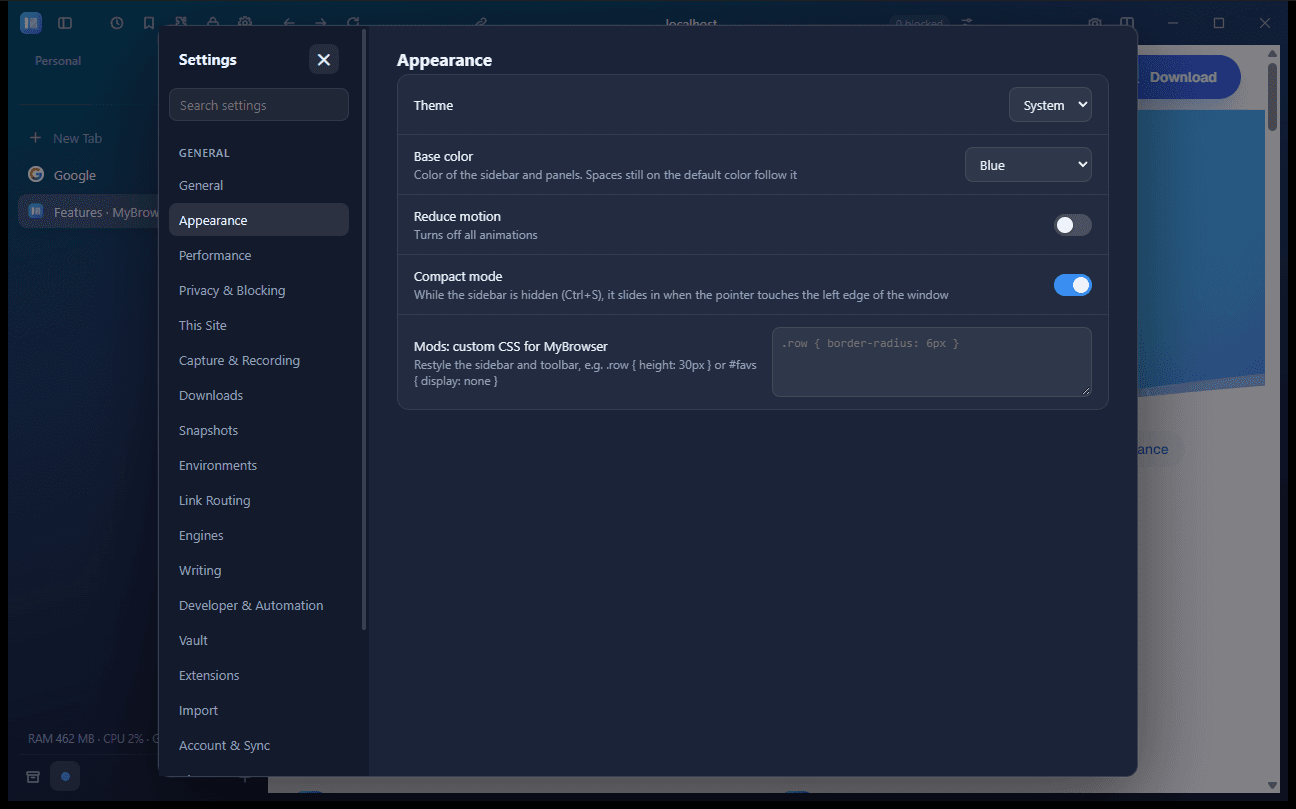
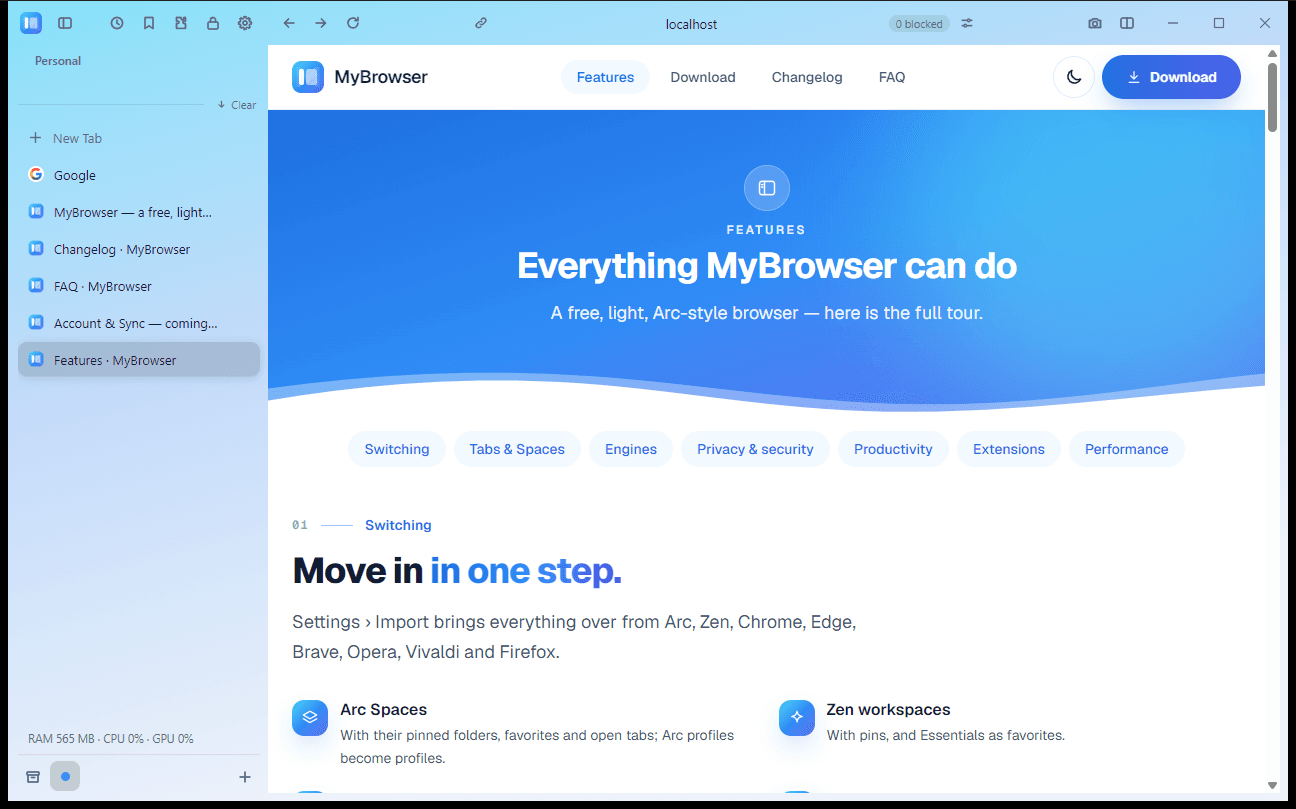
Light or dark, the new blue or the classic purple — pick a look and set it in Settings › Appearance.
WindowsmacOSLinuxFree · ~9 MB · no admin rights
Coming soonAndroidiPhoneiPadand more platforms later